INQUIRY POST 1: VIDEO EDITING
Mindwork
As someone who has done very little video editing years ago, trying to dive deeper into can be a bit overwhelming. But it’s been something I’ve wanted to pursue for a while now, and this course is the perfect opportunity to finally force myself to stop being lazy. Luckily, learning how to edit videos from scratch isn’t too difficult; it just requires a bit of patience and a lot of time.
Groundwork
The first step was to find video editing software that fit my needs. I used YouTube to find and learn a little bit about some of the free video editing programs that are available, then chose the one that was beginner friendly and had the necessary tools for my first project.
The first video I watched was by ‘Think Media’ and is an introduction guide to video editing. The software he uses in the video is Camtasia, which is different from what I’ll be using. Although the video offers other tips and insights, for example, he demonstrates how to organize video files in preparation for editing, to allow for ease of access and convenience.
The second video by ‘Youri van Hofwegan’ is super helpful for beginners who would like to use free editing software. He goes over a list of different programs, highlighting the pros and cons of each, and gives a very surface level, but informative coverage of them. This video really gave me a decent understanding of which editor would work for my specific needs and informed me on which to research further.
Fieldwork
Unless you’re using videos from the internet, you have to do a little bit of work. Depending on the content you want to create, filming footage can be simple or complicated. I’m personally making edits about longboarding, which is a bit physically demanding, and makes capturing specific footage difficult. Luckily, I have a partner who already had photography and videography experience, which made the process much easier, so I recommend finding someone to film with if your content is similar.
Generally, when capturing, you want to have fairly long clips that you can cut up during the editing process, anywhere from 20 to 60 seconds. It does definitely vary depending on your content and style of editing you want to achieve, but for mine, we focused on longer sequences that we could cut sections that we liked to use for the final product. For videoing you can use an actual camera or your phone, it just depends on the quality of image you want.
Once you have the desired footage, you can move to editing.
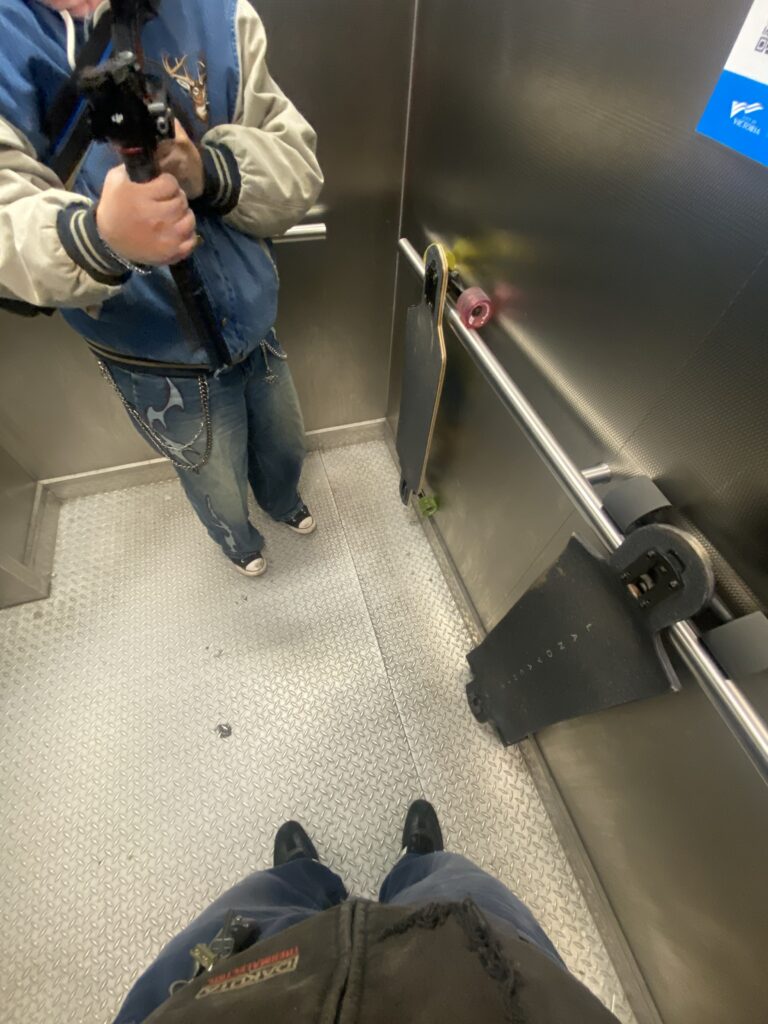
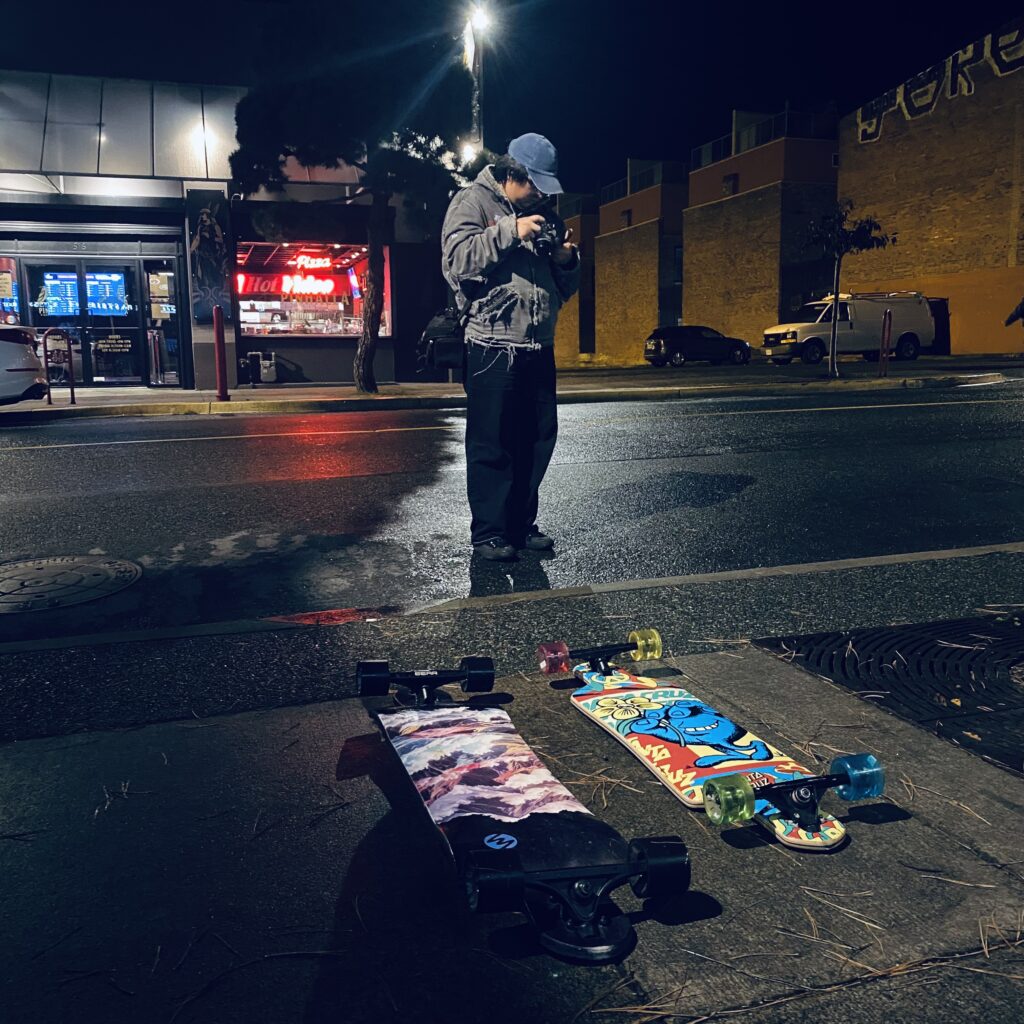
some bts photos
Another video that’s very helpful if you’re learning on your own is a video below by ‘Andrew’ that goes over how to film videos as well as some editing tips for DaVinci Resovle.